In 2026, I still measure a game's maturity by a simple test: can I hand the controller to a friend with a disability and watch them play without apology? For years, I took the sheer accessibility of video games for granted. I grew up with games as a cornerstone of childhood, a way to build friendships, and a reliable companion through difficult times. But for many gamers with disabilities, that same medium has been cordoned off by gameplay barriers that are difficult or impossible to overcome. The good news is that the industry's slow, uneven journey toward accessibility has produced a clear blueprint. The best examples from the last few years remain essential reading in 2026, not as nostalgia, but as proof that thoughtful design can open gaming to more people without compromising creative vision.
Colorblind Modes Need to Move Beyond Filters
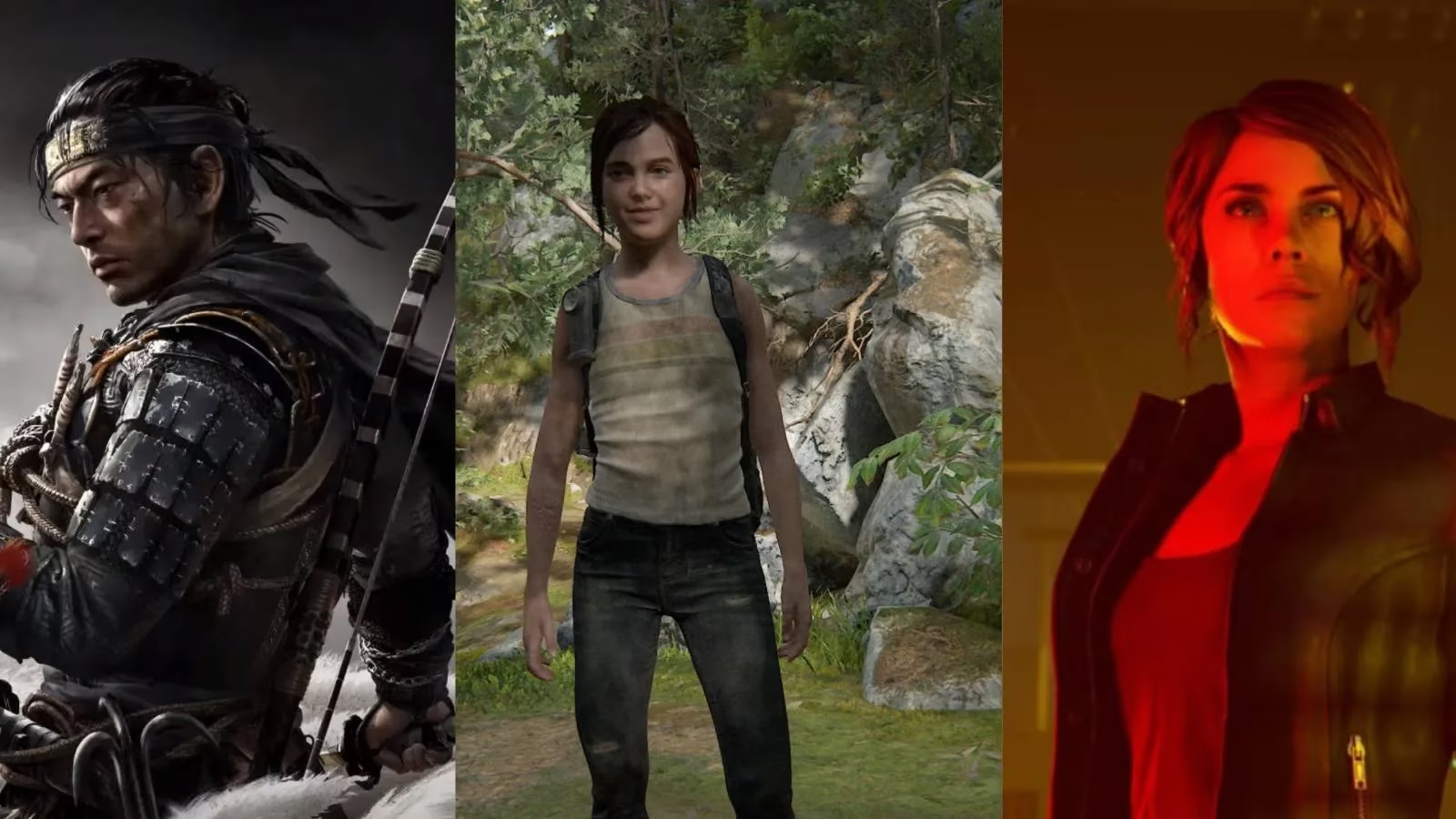
Colorblindness affects a considerable portion of the population, mostly men. I have seen estimates that around 8% of males exhibit some form of colorblindness, while about 0.5% of women experience it. When a game relies on color to convey information, those players can hit a wall. A color filter is the easy fix, but it is not always the best one. The Gamer's Experience has highlighted a real problem: filters that change all colors into a distinguishable palette can make a game look bizarre and unnatural. I agree with the accessibility advocates who argue that games should let players change the color of individual elements, or better yet, avoid color-only communication altogether. Games like Hue and Chromagun show the smarter path by using symbols in place of color in colorblind mode. That is the kind of design I want to see normalized in 2026: not a toggle slapped on at the end, but information design that works from the start.
Vision Accessibility Is About Independence, Not Charity
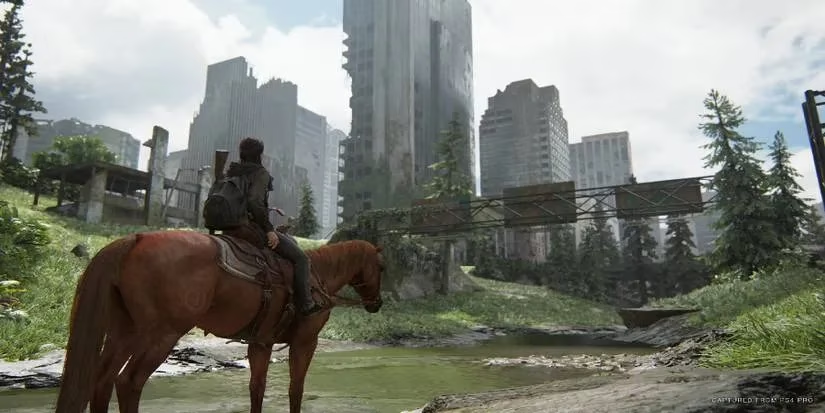
Video games are intensely visual, so it can be hard to imagine them being playable with impaired sight. Yet The Last of Us Part 2 proved how much is possible. Its text-to-speech option does not merely read text; it narrates parts of the game, tells players which gun is equipped and how much ammo remains, and lets a swipe of the touchpad report the character's current status. Audio cues alert visually impaired players when they are near interactable objects, when an enemy is close enough to take down, or when their gun is aimed at a foe. I still remember the reaction of blind YouTuber Steve Saylor, who was moved to tears. He said the game is so accessible that anyone without visual impairment could close their eyes and play with all the settings turned on. That is not charity. That is independence.
Hearing Access Should Never Depend on Guesswork
Audio is a major part of most games. A strong soundtrack can elevate a game, and a skilled voice actor can make an emotional moment land with precision. But deaf and hard-of-hearing players have often been left to guess. Subtitles are the simplest solution, yet a surprising number of games still ship with subtitles so small that I have to sit close to the screen to read them. Life is Strange deserves credit for letting players change subtitle size from normal up to 'hella large.' The better solution, though, is to pair audio cues with visual cues so players never rely on hearing alone. Ghost of Tsushima does this well. When archers are about to fire, a Projectile Indicator appears above them, and if the enemy is off-screen, the indicator appears at the side of the screen. In Ghost of Tsushima Director's Cut, the DualSense controller adds haptic feedback that can replicate audio aspects of the game. Players who cannot hear a horse's heavy hooves or a fox's low purr can feel it in their hands. That is smart, layered design.

Motor Control Options End the Button-Mashing Gate
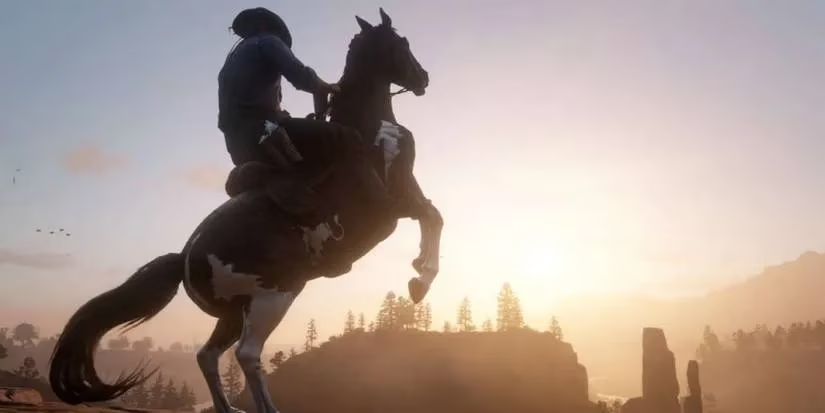
I love a good button-mashing moment as much as anyone, but those sections can force players with limited fine motor control or dexterity to put the controller down or ask someone else to finish a section. A simple fix is to let players choose between holding a button and tapping it. Red Dead Redemption 2 does this well: instead of repeatedly tapping the sprint button, players can hold it down. That helps players with impaired motor control, and it also saves the fingers of anyone who does not want an exhausting workout. Toggle options are another lifesaver. Control offers Toggle On, Toggle On/Off, and Hold modes for sprinting, plus toggle options for aiming. Players can decide whether to hold the aim button or press it once to toggle aiming on and off. Button remapping is equally important because it lets players fine-tune the experience for their own abilities. The Xbox Adaptive Controller remains a standout: large, programmable buttons and support for external switches, buttons, and joysticks make customization possible in ways that standard controllers cannot match. Can I Play That has called its buttons and overall customization unparalleled in the gaming industry, and I understand why.
My 2026 Checklist for a Truly Accessible Game
| Area | Common Barrier | Strong Examples | 2026 Expectation |
|---|---|---|---|
| Colorblindness | Color-only information | Hue, Chromagun | Symbol-based design, not just filters |
| Low vision | Tiny text, no narration | The Last of Us Part 2 | Text-to-speech and audio cues as standard |
| Deaf/hard of hearing | Small subtitles, audio-only cues | Life is Strange, Ghost of Tsushima | Visual cues and haptic feedback |
| Motor control | Button-mashing, held inputs | Red Dead Redemption 2, Control | Toggles, remapping, adaptive hardware |
-
🎮 Accessibility menus should be as standard as brightness sliders.
-
🔊 Audio cues should always have visual partners.
-
🕹️ Toggle and remap options should appear in every control scheme.
-
🧠 Developers should avoid assumptions about what players can do.
-
🤝 Hardware like the Xbox Adaptive Controller should be supported, not treated as an afterthought.
In 2026, I do not want accessibility to be a marketing bullet point that appears after launch. I want it to be a design habit. The games I mentioned are not perfect, but they prove that accessibility options can benefit a wide range of people: younger players with motor control issues, older players with slower reaction times, beginners of any age, and players who simply prefer a more comfortable experience. Video games are truly for everyone. No artificial barrier should sit between a player and the best the medium has to offer. The industry has the blueprint. Now it needs the discipline to follow it.